Understanding Android Advertising ID and How to Access It Programmatically

The Android Advertising ID (AAID) enables developers to deliver personalized, privacy-compliant ads on Android. This guide explains accessing it programmatically, integrating with platforms, and optimizing campaigns for effective mobile advertising.
Mobile advertising has transformed how businesses reach consumers, offering targeted, efficient, and scalable solutions. One crucial element in this space is the Android Advertising ID (AAID). If you’re developing mobile apps and want to integrate or optimize advertising, understanding and managing the AAID programmatically is essential.
What Is the Android Advertising ID?
The Android Advertising ID (AAID) is a unique, resettable identifier provided by Google for the purpose of advertising. It enables advertisers and developers to track and personalize ads while respecting user privacy.
Key Features of the Android Advertising ID:
- Unique yet Resettable: Each Android device comes with a unique AAID, but users can reset their ID at any time if they choose.
- Non-Persistent: Unlike a device ID, the AAID is specifically designed for advertising and strictly separated from sensitive user data.
- User Control: Users can opt out of personalized ads via their device’s settings, giving them control over their privacy.
- Custom Usage: Developers use the AAID to provide more personalized and relevant content while adhering to Google’s privacy policies.
Why Is the Android Advertising ID Important?
The AAID serves as the backbone for targeted advertising in mobile apps. It allows developers to:
- Track installs, engagements, and conversions within campaigns.
- Deliver personalized ad content based on individual user preferences.
- Maintain compliance with Google Play’s advertising and user data policies.
How to Access the Android Advertising ID Programmatically
Retrieving the AAID programmatically is relatively straightforward, but you must respect ethical and privacy guidelines while handling user data. Here’s a clear step-by-step process for developers:
Step 1. Set Up the Required Dependencies
To programmatically access the AAID, you’ll need the Google Play Services Library, which provides APIs for Android developers. Ensure you add the following dependency in your build.gradle file:
“`
implementation ‘com.google.android.gms:play-services-ads-identifier:<latestversion>’
“`
Replace <latest_version> With the most recent version of the library.
Step 2. Use the Advertising ID API
The A AdvertisingIdClient class from the Google Play Services Library is your go-to for accessing AAIDs.
Here’s a sample code snippet:
“`
import com.google.android.gms.ads.identifier.AdvertisingIdClient;
try {
AdvertisingIdClient.Info adInfo = AdvertisingIdClient.getAdvertisingIdInfo(getApplicationContext());
String advertisingId = adInfo.getId(); // Get the ID
boolean isLimitAdTrackingEnabled = adInfo.isLimitAdTrackingEnabled(); // Check user preferences
Log.d(“AAID”, “Advertising ID: ” + advertisingId);
Log.d(“AAID”, “Limit Ad Tracking Enabled: ” + isLimitAdTrackingEnabled);
} catch (Exception e) {
e.printStackTrace();
}
“`
Explanation of the Code:
getAdvertisingIdInfo(): Fetches the Advertising ID and its related data.getId()Retrieves the actual AAID of the device.isLimitAdTrackingEnabled()Returns a boolean indicating whether the user has opted out of personalized ads.
Step 3. Respect User Privacy
If a user enables the “Opt out of Ads Personalization” setting, you must honor their choice. When isLimitAdTrackingEnabled() is trueYou must not use the Advertising ID for building user profiles, targeting ads, or performing personalized tracking.
Best Practices for Using the Android Advertising ID
When implementing AAID in your app, keep the following practices in mind to build trust with users and stay compliant with regulations:
1. Transparency with Users
Always disclose your app’s use of the AAID in your Privacy Policy. Transparency fosters trust and ensures you stay compliant with Google’s policies.
2. Respect Opt-Out Preferences
If users choose to limit ad tracking, respect their decision by refraining from personalized ad strategies.
3. Security and Exclusivity
Ensure the Advertising ID is never paired with Personally Identifiable Information (PII) to maintain compliance with privacy guidelines.
4. Monitor Policy Updates
Google occasionally updates its guidelines regarding the use of AAID. Regularly review the Developer Program Policies to stay current.
Integrating Android Advertising ID with Programmatic Ad Platforms
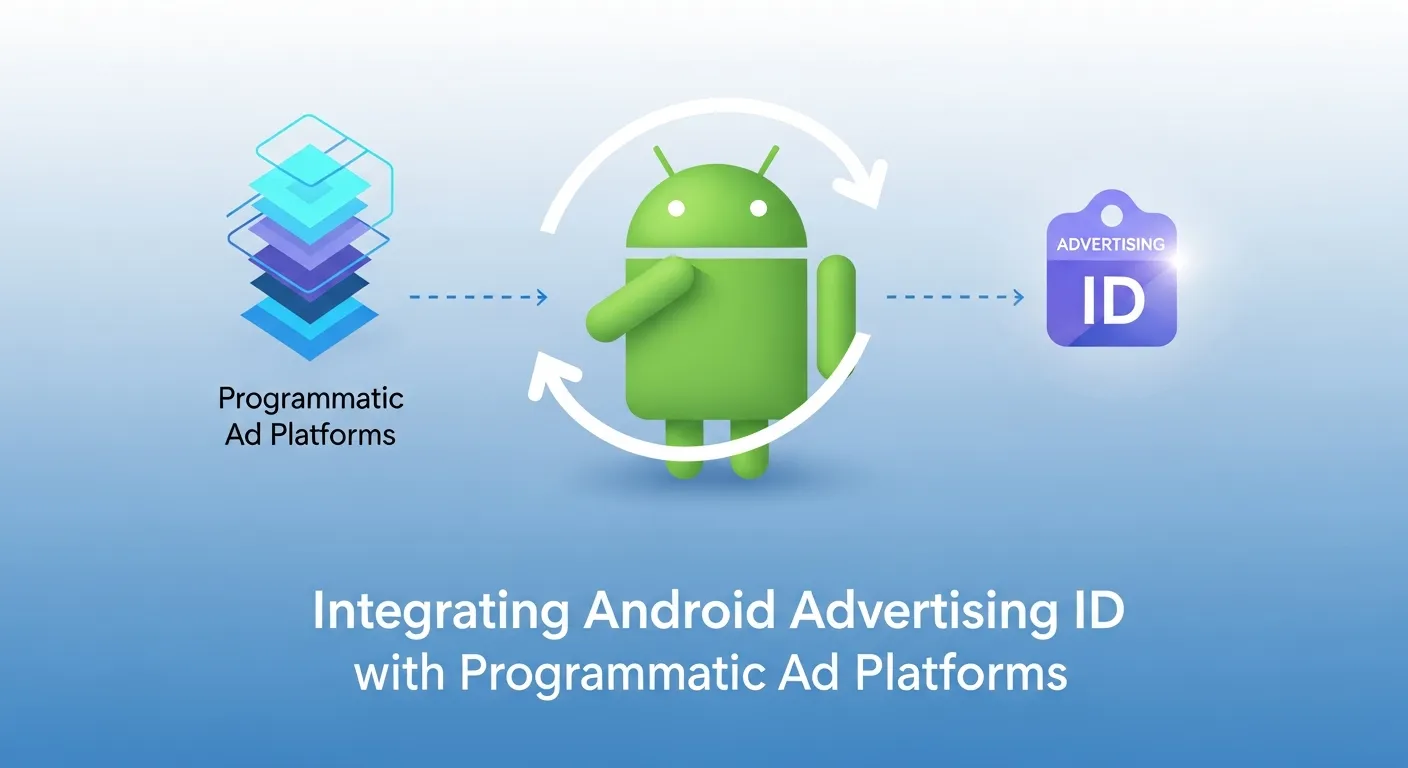
While you explained how to access the AAID, many developers wonder how to connect it effectively with programmatic advertising systems for real campaigns.
Key Points:
- Platform Compatibility: Major programmatic platforms (Google Ads, AdMob, Meta Ads) support AAID-based targeting for mobile campaigns.
- Segment Mapping: Developers can create custom audience segments using AAID data for retargeting and engagement tracking.
- Campaign Optimization: AAID enables performance-based optimization by feeding back conversion and engagement data into the programmatic bidding system.
Example Workflow:
| Step | Action | Benefit |
|---|---|---|
| Collect AAID | Retrieve via AdvertisingIdClient | Unique device-level identification |
| Segment Users | Group by app behavior or interests | Precision targeting |
| Feed Platform | Send hashed/anonymous AAID to DSP | Compliant programmatic ad delivery |
| Measure & Optimize | Monitor clicks, installs, engagement | Increase ROI on campaigns |
This section naturally bridges Android Advertising with programmatic-advertising strategies for success.
When to Use and When Not to Use the Android Advertising ID
Suitable Use Cases:
- Serving relevant ads tailored to user interests.
- Analyzing ad performance, including impressions and click-through rates.
- Tracking user actions, like app installs and in-app purchases, after ad engagement.
Prohibited Use Cases:
- Associating the AAID with PII such as emails, phone numbers, or account credentials.
- Persistently tracking users without their knowledge.
- Using the AAID for purposes other than advertising or analytics.
AAID and Cross-App Analytics
Developers can use the AAID not just for ads, but for cross-app behavior analysis to optimize user experience, retention, and engagement.
Key Points:
- Behavior Insights: AAID allows anonymous tracking of user behavior across apps while maintaining privacy compliance.
- Attribution Across Apps: Identify which ads or campaigns led to app installs or in-app purchases.
- Segmentation & Personalization: Combine AAID-based analytics with app usage data to segment users for in-app promotions (not PII-based ads).
Example Use Cases:
| Use Case | Description | Benefit |
|---|---|---|
| Multi-App Retargeting | Target users who installed another app | Improve engagement and retention |
| Cohort Analysis | Group users by activity patterns | Inform feature development and UX |
| Campaign Attribution | Track install and conversion source | Optimize ad spend efficiently |
This highlights AAID beyond advertising, which many developers overlook.
Future of Android Advertising IDs
Google is continuously looking for ways to improve user privacy. With regulations like GDPR and CCPA shaping how personal data is handled, tools like the AAID are subject to changes that improve transparency and user control. Developers should keep an eye on evolving trends, including the possibility of Google adopting privacy-first approaches similar to Apple’s App Tracking Transparency (ATT).
Future-Proofing Android Advertising Strategies in a Privacy-First World
With regulations like GDPR, CCPA, and Apple-style ATT impacting digital advertising, developers need strategies to future-proof mobile ad campaigns using AAID.
Key Points:
- Anonymized Data Practices: Hash or encrypt AAID before integrating with ad platforms to reduce compliance risk.
- Consent Management: Implement SDKs or prompts to manage user consent proactively.
- Adaptive Targeting: Prepare for a potential shift where AAID may face stricter limitations, similar to iOS IDFA changes.
Comparison Table: Traditional vs. Privacy-First AAID Use
| Feature | Traditional AAID Use | Privacy-First Approach |
|---|---|---|
| User Targeting | Direct device-level profiling | Anonymous, consent-based segments |
| Data Retention | Persistent for analytics | Time-limited, resettable, privacy-compliant |
| Cross-App Linking | Possible without user notice | Requires explicit consent & anonymization |
| Risk of Non-Compliance | Medium-High | Low with proactive measures |
This section emphasizes long-term strategy, aligning with programmatic advertising sem strategy and meta programmatic advertising complete keywords.
Troubleshooting Common Issues with AAID
- Null AAID: This may occur if the Google Play Services Library isn’t properly initialized or installed on the user’s device. Make sure the library is up-to-date.
- Permission Errors: Ensure the app has the appropriate permissions. While AAID doesn’t require explicit runtime permissions, correct project setup is essential.
- Opt-Out Handling: Always account for scenarios when users opt out of ad personalization to avoid unintended breaches.
Take Your Android Advertising Strategy to the Next Level
Understanding and leveraging the Android Advertising ID (AAID) programmatically can transform your mobile advertising efforts, providing a competitive edge in today’s crowded app ecosystem. By using AAID responsibly, app developers and advertisers can target audiences more effectively while respecting user privacy—a critical factor in building trust and long-term engagement.
Key Strategies to Elevate Your Android Advertising
-
Integrate Native Advertising for Seamless User Experiences
Native advertising blends ads naturally with app content, creating a less intrusive experience for users. By combining AAID-driven audience insights with native ad placements, you can deliver personalized content that feels organic, improving engagement and reducing ad fatigue. -
Optimize Advertising on Google and Other Platforms
Leverage AAID to connect your app campaigns with Google Ads, AdMob, or other programmatic platforms. This allows precise targeting based on user behavior, device activity, and preferences, maximizing ROI and increasing the relevance of your advertising. -
Support Small Business Success through Targeted Campaigns
AAID enables micro-targeting, which is particularly beneficial for advertising for small business success. Small businesses can reach niche audiences cost-effectively, track conversions, and refine campaigns to achieve meaningful results without overspending. -
Revolutionize Gaming and App Engagement
Gaming apps can use AAID to identify high-value users, personalize in-game offers, or deliver reward-based ads that enhance player retention. By integrating analytics with programmatic strategies, developers can turn casual players into loyal users while maintaining a positive in-app experience—demonstrating how advertising is revolutionizing gaming. -
Prioritize Ethical and Privacy-First Practices
Respecting user choices, such as opting out of ad personalization, ensures compliance with privacy regulations like GDPR and CCPA. Using AAID responsibly fosters trust and long-term engagement, which ultimately improves campaign effectiveness.
Quick Action Plan
| Step | Action | Benefit |
|---|---|---|
| Analyze AAID Data | Understand user behavior and app engagement | Identify high-value audience segments |
| Deploy Native Ads | Integrate seamlessly into app interface | Boost user engagement without disruption |
| Connect to Programmatic Platforms | Sync AAID with Google Ads, AdMob | Precise targeting and optimized ad spend |
| Track & Optimize | Measure impressions, clicks, conversions | Maximize ROI and campaign performance |
| Ensure Privacy Compliance | Respect opt-out settings | Build user trust and long-term retention |
By combining AAID insights with programmatic advertising, native placements, and privacy-first approaches, your app can achieve higher engagement, smarter ad targeting, and better overall ROI. Now is the time to evolve your strategy, experiment with innovative ad formats, and explore new ways to leverage Android advertising for business growth and user satisfaction.
FAQs About Android Advertising
1. What is Android Advertising?
Android Advertising refers to the practice of delivering ads on Android devices using tools like the Android Advertising ID (AAID) to track, target, and optimize campaigns while respecting user privacy.
2. How does the Android Advertising ID (AAID) work?
The AAID is a unique, resettable identifier provided by Google that allows advertisers to serve personalized ads without exposing sensitive user data. Developers can access it programmatically for targeting and analytics purposes.
3. What are the main advantages of using Android Advertising?
Android Advertising provides precise audience targeting through AAID, seamless integration with programmatic ad platforms, improved ROI through performance tracking, and enhanced personalization of campaigns without storing personally identifiable information.
4. Are there any advertising disadvantages on Android?
Yes, there are some disadvantages to consider. Users may opt out of personalized ads, which limits targeting options. Overexposure to poorly targeted ads can lead to ad fatigue, and misuse of AAID could create compliance risks with privacy regulations like GDPR and CCPA.
5. Can Android Advertising be integrated with automated ad buying?
Yes, Android Advertising can be effectively integrated with automated ad buying and programmatic platforms such as Google Ads, AdMob, or private marketplace advertising. The AAID enables real-time targeting and campaign optimization, improving efficiency and effectiveness.
6. What is private marketplace advertising in the Android ecosystem?
Private marketplace (PMP) advertising allows developers and brands to sell ad inventory directly to selected advertisers through a controlled programmatic environment. This ensures premium placements and higher engagement while maintaining a degree of exclusivity and control.
7. How can developers optimize their Android Advertising Strategy?
Developers can optimize their Android Advertising Strategy by leveraging AAID for audience segmentation, integrating native ads to create seamless user experiences, syncing campaigns with programmatic ad platforms, and continuously monitoring performance while respecting user opt-out preferences.
8. How does Android Advertising impact user privacy?
Android Advertising prioritizes user privacy by keeping the AAID separate from personally identifiable information. Users have the option to reset their ID or opt out of personalized ads, and developers must honor these choices to remain compliant with privacy regulations.
9. What are some best practices for Android Advertising campaigns?
Best practices include using anonymized AAID data for targeting, avoiding any association of the AAID with personal data, maintaining transparency through privacy policies, and regularly reviewing platform policies to ensure compliance with the latest regulations.
10. Where can I find more resources and advertising articles for Android Advertising?
For additional resources, developers can explore official Google Developer documentation, programmatic advertising guides, and industry blogs. Articles focused on Android Advertising trends, strategies, and case studies can help stay updated and improve campaign performance.
New to the concept of automated ad buying? Don’t miss our full breakdown on How Cannabis Programmatic Advertising is Changing the Game