What Is Microsoft Programmatic Advertising A Complete Guide
Microsoft Advertising is one of the most effective platforms for marketers looking to elevate their digital strategies. But what sets it apart is its robust programmatic advertising capabilities. If you’ve heard the term “programmatic advertising” but aren’t quite sure how it works or how it ties into Microsoft’s offerings, you’re in the right place.
This complete guide breaks down everything you need to know about Microsoft Programmatic Advertising. By the end, you’ll have a clear understanding of what it is, how it works, and how it can benefit your business.
What is Programmatic Advertising
Before we deep-dive into Microsoft’s programmatic platform, let’s define programmatic advertising. Simply put, programmatic advertising automates the process of buying and selling digital ad space. Using advanced technology like AI and machine learning, programmatic platforms can deliver highly targeted ads to the right audience at the right time.
Unlike traditional ad buying, programmatic advertising doesn’t involve negotiating ad placements with publishers manually. Instead, it uses data and algorithms to streamline and optimize the entire ad-buying process.
The Benefits of Programmatic Advertising
- Efficiency: Automation reduces manual work, saving you time and effort.
- Precision Targeting: Advanced algorithms ensure your ads reach the right audience based on demographics, online behavior, and interests.
- Real-Time Optimization: Programs continuously adjust campaigns to improve performance.
- Cost Effectiveness: Programmatic platforms optimize ad spend by minimizing wastage.
Now that we understand the basics, let’s see how this approach is integrated into Microsoft’s advertising ecosystem.
Microsoft Programmatic Advertising Overview
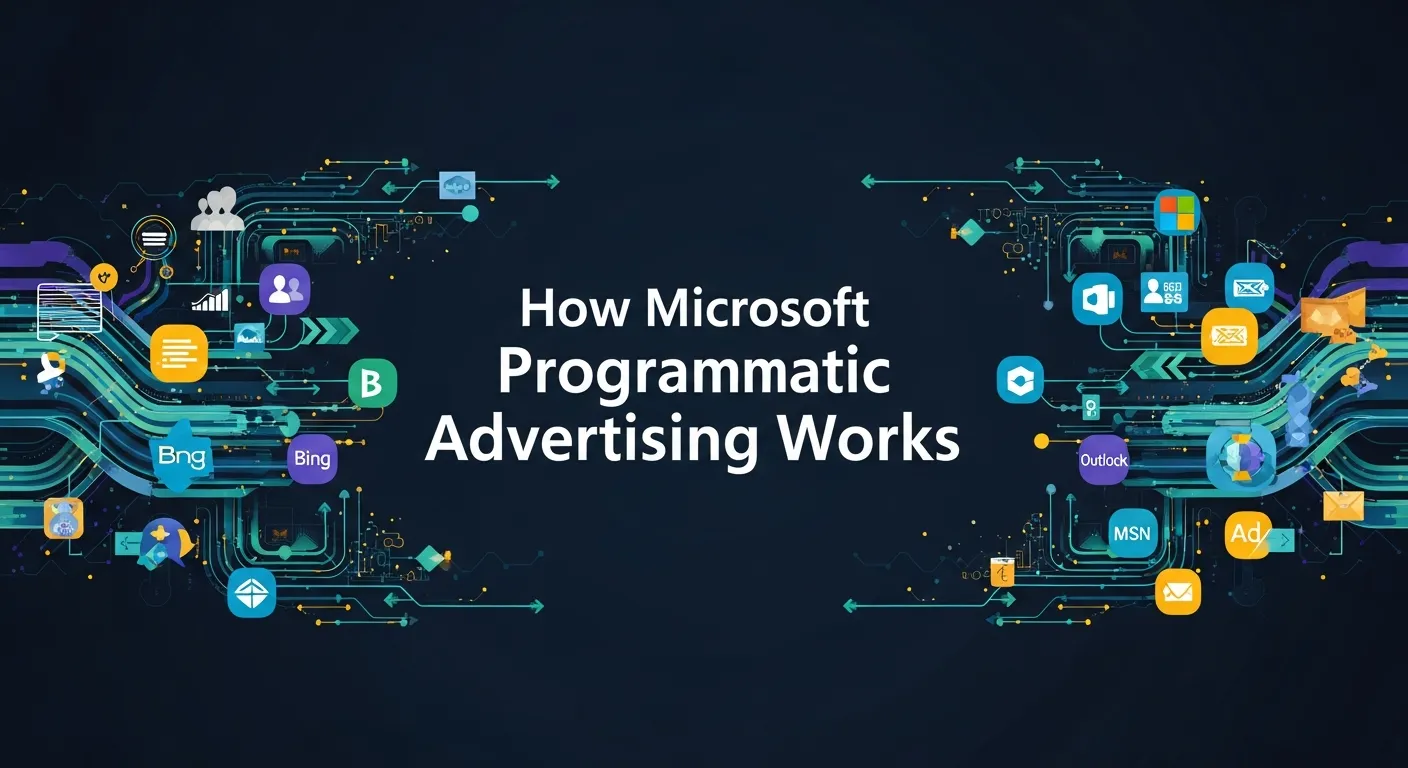
Microsoft Programmatic Advertising is part of the larger Microsoft Advertising Platform (formerly known as Bing Ads). It leverages Microsoft’s vast digital ecosystem, which spans a network of over 500 million monthly users across Bing, MSN, Outlook, LinkedIn, and other properties.
Microsoft allows users to seamlessly use programmatic ad-buying powered by machine learning and audience insights. This makes it a game-changer for businesses seeking scalable and targeted advertising campaigns.
Here’s why Microsoft has become a leading player in the programmatic space:
- Extensive Audience Reach: Gain access to high-intent audiences, particularly professionals and decision-makers through platforms like LinkedIn.
- Advanced Technology Integration: Microsoft uses AI to personalize ads and optimize budgets in real-time.
- Cross-Channel Capabilities: Run campaigns across diverse channels like search, native, and display ads.
How Microsoft Programmatic Advertising Works
Microsoft Programmatic Advertising relies on real-time bidding (RTB), audience targeting, and machine learning for maximum efficiency.
1. Real-Time Bidding (RTB)
At the core of programmatic advertising is RTB. Here’s what it means for Microsoft advertisers:
- Ad space is auctioned off in real time.
- Advertisers bid for impressions targeted to their specific audience.
- The highest bid wins the spot, and the ad is displayed instantly.
For instance, if you run a campaign targeting professionals interested in cloud computing, Microsoft’s algorithms find relevant placements across its ecosystem and bids on your behalf.
2. Advanced Audience Targeting
Microsoft’s programmatic platform offers cutting-edge targeting options. You can use:
- Demographics: Narrow down your audience by age, gender, income level, or marital status.
- LinkedIn Profile Targeting: Use job titles, industries, and company sizes for precision.
- Custom Audiences: Upload your customer data to create tailored ad campaigns.
3. Machine Learning Optimization
Microsoft Programmatic Advertising uses AI and machine learning to analyze performance data, and National Programmatic Advertising refines campaigns. This means:
- Ads are tested and optimized in real time.
- Budgets are allocated dynamically for top-performing placements.
- Frequency capping ensures your ads don’t overwhelm users.
Key Features of Microsoft Programmatic Advertising
What makes Microsoft’s programmatic solutions stand out? Here are some features you can leverage:
1. Microsoft Audience Network
The Microsoft Audience Network helps you reach users with high-quality native ads across premium sites like MSN, Outlook, and Microsoft Edge. It’s particularly valuable for programmatic campaigns because:
- It enables detailed targeting through user data.
- Ads can be customized to match website design, boosting engagement.
2. LinkedIn Integration
One of Microsoft’s unique selling points is its LinkedIn profile targeting. With LinkedIn-owned data, you can build highly specific audience profiles and ensure your campaigns speak directly to decision-makers and professionals in your industry.
3. Cross-Device Targeting
Microsoft ensures seamless cross-device experiences, showing ads to users across desktop, mobile, and tablet devices. This holistic approach allows you to connect with your audience no matter where they are.
4. Dynamic Search Ads
Dynamic Search Ads (DSA) automatically match your ads to relevant search queries you may have missed in traditional campaigns. This boosts campaign efficiency and ensures that no keyword opportunities slip through the cracks.
How to Set Up a Programmatic Campaign on Microsoft
Ready to harness Microsoft Programmatic Advertising? Here’s how you can get started:
Step 1. Create an Account on Microsoft Advertising
First, sign up for a Microsoft Advertising account. If you’ve used Google Ads before, you’ll find the setup familiar.
Step 2. Define Your Campaign Goals
Determine what you want to achieve:
- Increase website traffic?
- Generate leads?
- Boost sales?
Microsoft allows you to customize campaign types to align with specific objectives.
Step 3. Choose Your Audience
Use Microsoft’s targeting tools to refine your audience based on:
- Demographic details
- LinkedIn profiles
- Behavioral data
Step 4. Select Ad Formats
Microsoft supports several impactful ad formats, including:
- Search ads
- Display ads
- Video ads
- Dynamic product ads
Choose the format that aligns with your goals and resonates with your audience.
Step 5. Monitor and Optimize
Once your campaign is live, use the Microsoft Advertising dashboard to track performance. The platform provides granular data about impressions, clicks, and conversions, helping you identify areas for improvement.
Why Businesses Should Consider Microsoft Programmatic Advertising
For businesses looking to stay competitive in today’s digital age, Microsoft Programmatic Advertising offers undeniable advantages:
- High-Value Audience: From LinkedIn’s professional user base to Bing’s older, wealthier demographic, Microsoft gives you access to a premium audience segment.
- Cost Efficiency: Microsoft Ads often cost less than Google Ads while delivering equally impressive results.
- Advanced Tools: AI-powered automation simplifies campaign management and boosts ROI.
Next Steps to Start Your Programmatic Advertising Journey
Microsoft Programmatic Advertising is an ideal solution for businesses ready to take advantage of data-driven, efficient ad-buying strategies. Its wide reach, robust targeting options, and continuous optimization make it a tool no savvy marketer should overlook.
If you’re ready to elevate your advertising strategy, sign up for Microsoft Advertising today and explore the possibilities.
Microsoft’s Programmatic Advertising Ecosystem & Partner DSP Strategy
Paragraph:
Microsoft’s programmatic advertising ecosystem has evolved beyond its internal ad stack, leveraging partnerships with leading demand-side platforms (DSPs) like Amazon DSP. These collaborations allow advertisers to access premium ad inventory across multiple platforms while utilizing richer first-party data for precise audience targeting. By integrating with external DSPs, Microsoft ensures that programmatic campaigns can reach the right audience efficiently, scale globally, and maintain unified reporting across all channels.
Key Points:
- Access to premium inventory through partner DSPs (e.g., Amazon DSP).
- Unified campaign management and reporting across platforms.
- Leveraging first-party data for improved audience targeting.
- Ecosystem collaboration enhances reach and efficiency beyond Microsoft’s own network.
Microsoft Programmatic DSP Ecosystem Overview
| Feature | Microsoft Internal Stack | Partner DSPs (e.g., Amazon) | Benefits |
|---|---|---|---|
| Ad Inventory | Microsoft-owned platforms | Global programmatic inventory | Broader reach, access to premium sites |
| Audience Targeting | Microsoft audience data | Combined first-party data from DSPs | More precise targeting |
| Campaign Management | Native dashboard | Integrated via DSPs | Unified reporting and optimization |
| Scale | Limited to Microsoft network | Global coverage | Larger audience potential |
Identity, Privacy & Measurement in Programmatic Advertising
Paragraph:
With increasing privacy regulations and the phase-out of third-party cookies, identity and measurement have become critical in programmatic advertising. Microsoft and its partners are adopting privacy-centric solutions such as identity graphs, first-party data clean rooms, and privacy-forward measurement techniques. These tools allow advertisers to maintain precise targeting, measure campaign effectiveness accurately, and respect user privacy across devices and platforms.
Key Points:
- Use of identity graphs to maintain audience targeting without cookies.
- First-party data clean rooms to safely share data for targeting and measurement.
- Privacy-forward measurement ensures compliance with GDPR, CCPA, and other regulations.
- Challenges include cross-device tracking, attribution accuracy, and evolving privacy policies.
Programmatic Advertising Challenges & Best Practices
While programmatic advertising offers efficiency and scale, it also presents challenges such as transparency issues, hidden fees, creative fatigue, and attribution complexity. To maximize campaign effectiveness, advertisers should implement best practices such as demand supply path optimization (SPO), multi-touch attribution models, and regular creative rotation. These strategies help ensure budget efficiency, accurate performance measurement, and sustained audience engagement.
Key Points:
- Transparency and hidden fees can impact campaign ROI.
- Optimize programmatic buying through SPO and strategic bidding.
- Use multi-touch attribution to accurately measure cross-channel performance.
- Rotate creatives to prevent ad fatigue and maintain engagement.
Common Challenges & Best Practices in Programmatic Advertising
| Challenge | Description | Best Practice |
|---|---|---|
| Transparency | Hidden fees or unclear supply paths | Use demand supply path optimization (SPO) |
| Attribution | Difficulty tracking cross-channel performance | Implement multi-touch attribution models |
| Creative Fatigue | Audiences see the same ad repeatedly | Rotate ad creatives regularly |
| Complexity | Managing multiple platforms and DSPs | Centralize campaign management and reporting |
FAQs: Microsoft Programmatic Advertising
1. What is Microsoft Programmatic Advertising?
Microsoft Programmatic Advertising automates the buying and selling of digital ad space across Microsoft’s network, including Bing, MSN, Outlook, LinkedIn, and partner DSPs. It uses AI and machine learning to deliver targeted ads efficiently, reducing manual work and improving ROI.
2. How does Microsoft Programmatic Advertising work?
It relies on real-time bidding (RTB), audience targeting, and machine learning. Advertisers bid on impressions in real time, and Microsoft’s algorithms place ads for the right audience across multiple channels, optimizing performance automatically.
3. What types of ads can I run programmatically on Microsoft?
You can run various ad formats, including search ads, display ads, video ads (Programmatic Video Advertising), dynamic product ads, and native ads through the Microsoft Audience Network.
4. Can I target LinkedIn audiences with Microsoft Programmatic Advertising?
Yes. Microsoft integrates LinkedIn profile targeting, allowing you to reach audiences based on job title, industry, company size, and professional interests—ideal for B2B campaigns.
5. What are demand-side platforms (DSPs) and how do they work with Microsoft?
Answer: DSPs are platforms that allow advertisers to buy ad inventory programmatically across multiple publishers. Microsoft partners with DSPs like Amazon’s programmatic advertising DSP to expand inventory reach and leverage first-party data for better targeting.
6. How can I measure the success of my programmatic campaigns on Microsoft?
Microsoft provides detailed analytics and reporting dashboards that track impressions, clicks, conversions, and engagement. Advanced strategies like multi-touch attribution help you understand performance across channels.
7. How does Microsoft handle privacy and identity in programmatic advertising?
Microsoft uses privacy-centric solutions like identity graphs and first-party data clean rooms. These tools ensure precise targeting while complying with regulations like GDPR and CCPA, even after third-party cookies are phased out.
8. Are there online resources to learn Microsoft Programmatic Advertising?
Yes. LinkedIn Learning offers courses on programmatic advertising, including Microsoft Programmatic Advertising, covering topics like bidding, DSPs, audience targeting, and campaign optimization.
9. What are common challenges in Microsoft Programmatic Advertising?
Challenges include transparency issues, hidden fees, creative fatigue, and cross-channel attribution. These can be managed by using demand supply path optimization (SPO), rotating creatives, and leveraging multi-touch attribution models.
10. Why should my business invest in Microsoft Programmatic Advertising?
It provides access to high-value audiences, cost-efficient campaigns, AI-driven optimization, and advanced targeting. With integration across search, display, native, and video ads, it’s a powerful tool for reaching the right audience at scale.
New to the concept of automated ad buying? Don’t miss our full breakdown on What is Programmatic Video Advertising? A Complete Guide.